A kitchen inventory sheet that survives a busy service
For Inventory managers and supply-chain heads · Understand the problem
TL;DR — what you’ll learn
- Separate the item list, movement log and physical count instead of editing one balance cell.
- Use one defined stock unit for each ingredient and record all transfers consistently.
- Reconcile expected stock with a count taken at a known cutoff.
- Use repeated differences to decide which part of the process needs automation.
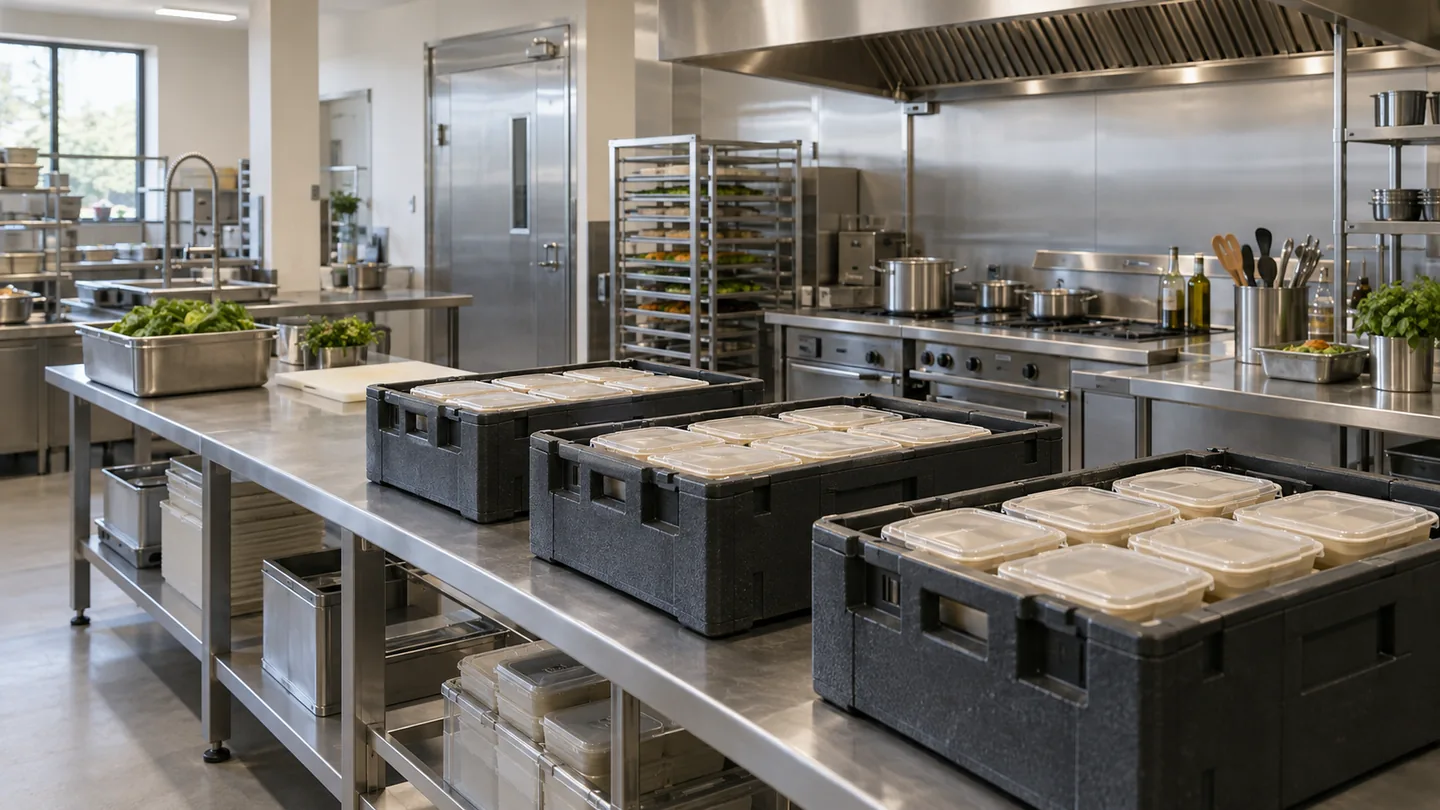
The chef counts twelve tubs. Purchasing sees twenty-four kilograms. The outlet manager remembers a transfer to the next branch. Each person may be right, yet the closing spreadsheet still does not reconcile. A kitchen inventory sheet needs a shared definition of the item and the movement before it needs more formulas.
What should a kitchen inventory sheet include to produce a reliable stock balance?
A useful sheet records how stock changed and compares that expected balance with an observed count. It needs item identity, location, unit, dated movements and a count cutoff. A single current-stock column is easy to maintain but difficult to explain when it is wrong.
- 01Define the item listUnits, locations and owners
- 02Record movementsReceipts, transfers and use
- 03Reconcile the countShared cut-off and evidenceIs the closing account explained?YesApprove the closeNoResolve missing movements or count errors before using the balance for buying.
- 04Approve the closeCarry a supported opening balance
Illustrative information flow. The article explains the evidence, exceptions and responsible decisions. Diagram: NextEdge Labs.
Give each record one job
Use an item master for relatively stable information: item code, description, stock unit, purchase pack and approved conversion. Keep dated receipts, issues, transfers and adjustments in a movement log. Put physical observations in a separate count record. These can be tabs in the same workbook, but changing today's count should not erase yesterday's movements.
For a small kitchen, the simplest usable design may have fewer fields than an ERP export. Keep what someone will actually record during receiving and service. If a field is required for a later decision, explain its purpose and assign an owner. An elaborate template that staff complete from memory after service will still produce weak evidence.
| Record | Essential fields |
|---|---|
| Item master | Item code, description, stock unit, purchase-pack conversion |
| Movement log | Date and time, item, location, event type, quantity, unit, reference |
| Physical count | Count time, item, location, observed quantity, unit, counter, note |
Work the balance before adding a dashboard
For an illustrative ingredient, opening stock is 18 kilograms, purchases add 30 kilograms, another outlet sends four kilograms, production issues consume 32 kilograms and two kilograms are transferred out. The expected closing quantity is 18 + 30 + 4 − 32 − 2 = 18 kilograms. If the physical count is 16.5 kilograms, the unexplained difference is minus 1.5 kilograms.
That difference is not automatically waste or theft. A missing transfer, a portion recorded under the wrong unit or a count taken before the last issue can produce the same result. Investigate the supporting records first. If the business approves an adjustment, retain its reason and reference so the sheet remains an account of events rather than a number repeatedly reset to match the shelf.
Choose the right count moment
Count at a defined operational boundary, such as after service and before the next receiving period, where that is practical. If movements continue, record what happened between the ledger snapshot and the physical count. Two counters visiting the same location at different times may otherwise appear to disagree even when both observations were accurate.
Include opened packs, preparation areas and material waiting to move between locations. Decide how the sheet represents prepared components: an ingredient issued to make a sauce should not remain fully available as the original ingredient while the sauce is also counted as stock. That transition needs a recipe or production record appropriate to the kitchen's level of control.
Keep food-cost reporting consistent with stock
Quantity control and food-cost reporting use related records but answer different questions. A quantity variance is measured in the stock unit; a cost calculation needs an agreed valuation and period boundary. BCcampus's food-cost chapter provides background for using opening inventory, purchases and closing inventory in the calculation. The kitchen should agree the treatment of transfers and other adjustments with finance.
Source: BCcampus Open Education · Opening inventory, purchases and closing inventory in food-cost calculation. Reference details
When does the spreadsheet need to become an application?
Look for the repeated point of failure. If several outlets edit the same balance without a movement history, a shared transaction form and controlled ledger may help. If staff retype supplier invoices, document extraction may reduce that work after item and unit matching are defined. If counts are late because the sheet is awkward on a phone, a simple counting interface may be sufficient.
Do not migrate an ambiguous item master into a larger system and expect the ambiguity to disappear. First test the sheet with one delivery, one partial-pack issue, one inter-outlet transfer and one correction. The proposed application should reproduce that sequence and retain who recorded each event. Use the resulting exception list to set the first automation scope.
- Protect formula cells and maintain a recoverable version history.
- Use controlled event types and item identifiers instead of free-text names alone.
- Preserve original observations when a supervisor approves a correction.
- Review recurring differences before adding more reporting charts.
Summary
A kitchen sheet earns trust by making stock movements explainable. Clear units, a stable count boundary and retained corrections matter more than the number of tabs. Once the business can reconcile a small sample, it can choose automation around the manual step that repeatedly breaks the account.
What to do next
- Create the item, movement and count records for ten frequently used ingredients.
- Reconcile one complete service period using a stated cutoff.
- Classify the differences and automate the most repeated recording problem first.
Recognise this problem in your operation?
Tell us where the records or handovers break down. We can discuss the process, data and software questions worth examining first.
Sources and further reading
Sources checked 15 October 2026. The worked examples and software evaluation suggestions are NextEdge Labs’ editorial analysis.
- Monthly Food CostsBCcampus Open Education · Basic Kitchen and Food Service Management, online chapter 14
Educational reference for food cost from opening inventory, purchases and closing inventory. Site examples use original figures and explicit operating boundaries.
Visual credits
AI-generated illustration created for NextEdge Labs; it does not depict a client facility. Workflow diagram by NextEdge Labs. Icons from Lucide (ISC licence).