Changing the recipe master should not rewrite yesterday's batch
For Plant heads, production planners and manufacturing managers · Compare approaches
TL;DR — what you’ll learn
- Give each approved formulation a version and a defined applicability scope.
- Preserve the version selected for existing work orders and completed runs.
- Review ingredient, packaging, quality and costing dependencies before a change takes effect.
- Test how the change reaches planning, line instructions and connected systems.
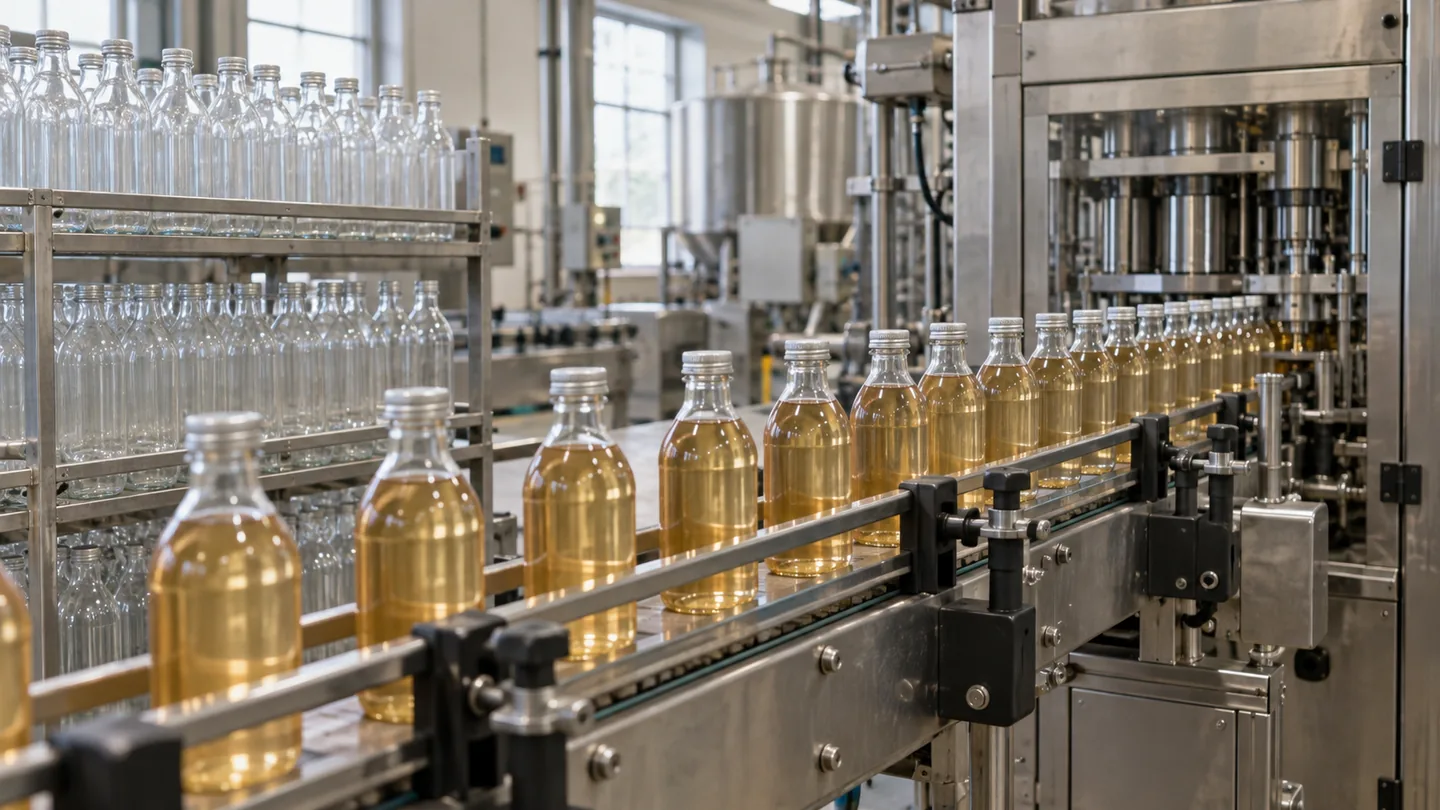
Product development approves a revised formulation on Tuesday. Planning updates the recipe master, and Wednesday's report recalculates Monday's run against the new quantities. Production appears to have used the wrong ingredients for a recipe it had never been instructed to make. The missing control is the relationship between a version and the run that used it.
How should food manufacturers control recipe revisions across open orders and production history?
Recipe version control needs a distinction between drafting a change, approving it and making it effective for a particular production scope. Existing orders and historical runs should retain the version they used. A master-data edit should not silently change the evidence behind an earlier batch.
- 01Propose the revisionReason and affected products
- 02Review the impactMaterials, labels and operating records
- 03Approve applicabilityEffective dates and transition stockIs the change authorised?YesRelease the versionNoKeep the proposal in draft and resolve its impact questions.
- 04Release the versionPreserve prior run references
Illustrative information flow. The article explains the evidence, exceptions and responsible decisions. Diagram: NextEdge Labs.
A version is more than a file name
Record the formulation identity, version, output basis, ingredients and units, together with the approved applicability. The scope may involve a site, product format, date or batch-size range under the business's process. Keep the approval and effective status distinct from a draft saved by a developer or planner.
Microsoft's formula documentation describes versions, approval and activation, with applicability using dates or quantities. It is a useful software reference. The business still determines which changes require review and which version should govern its particular production orders.
Source: Microsoft Learn · Formula versions, approval, activation and applicability. Reference details
Review the work already in the queue
At cutover, identify planned orders, released work orders, materials already issued and production in progress. A future effective date does not automatically answer what should happen to each of those groups. The responsible owners need an explicit transition decision.
For an illustrative change from version R3 to R4, a completed run keeps R3. A run already started under R3 needs its approved instruction and any authorised change preserved. An unstarted order may be reviewed for R4 applicability. Do not apply one bulk update to all three merely because the item code is the same.
| Work state | Required decision |
|---|---|
| Completed run | Preserve the executed version and actual evidence |
| In progress | Review any proposed change through the authorised process |
| Released but unstarted | Confirm whether the selected version remains applicable |
| Future plan | Use the approved effective version and its constraints |
A formulation change can affect other records
Review packaging and artwork, approved specifications, supplier mappings, process instructions, training and costing where the change affects them. The exact dependencies depend on the product and the site's approved process. The software should identify and route them, not decide that a small quantity change is operationally insignificant.
Keep the related approvals and effective versions connected. Publishing the revised recipe while line instructions or label references still show the earlier product can create inconsistent work. A release checklist should establish readiness across the affected records and expose any unresolved dependency.
Capture what production actually used
The selected recipe version establishes the instruction and planning baseline. Actual issues, substitutions, returns and output establish execution. Preserve both. If an authorised substitution occurs, record it with its approval and affected quantities rather than editing the recipe retrospectively to make the variance disappear.
This distinction supports a fair cost and yield review. Finance may compare the run with its original standard, while production needs to explain the authorised instruction it followed. Label each comparison and retain the relevant version so two teams are not debating different baselines.
Check the connected system at the point of use
A shop-floor application may cache a recipe or receive updates on a schedule. Show the version on the operator's instruction and verify that it matches the authorised work order. If a version update fails, keep the mismatch visible and apply the approved contingency.
Do not assume a successful master-data save means every connected screen is current. Test a revised recipe, an offline device and an existing work order. The expected result should be defined for each case, including who can approve a change or resolve an inconsistent record.
Start with a controlled revision exercise
Choose one product with a documented historical change and reconstruct its earlier and current versions. Map which orders, instructions and specifications were affected. Then rehearse a new change in a test environment with planned, released and completed work present.
AI can help compare document versions and highlight changed fields, but it should not approve a formulation or infer scientific equivalence. The project succeeds when the business can explain which version applied to every run and how the transition was authorised.
Summary
Recipe control preserves the approved instruction and its scope through change. Historical runs, open orders and future plans need deliberate treatment. Connected specifications and execution records make the version meaningful at the line and in later cost or traceability analysis.
What to do next
- Map one recent recipe change to the work orders and dependent records it affected.
- Define approval, activation and open-order transition responsibilities.
- Test a revision with an offline instruction screen and an already-started run.
Compare this workflow with your current setup
Share the step that takes the most manual work, the systems involved and the exceptions your team handles. That gives us a concrete starting point for comparing approaches.
Sources and further reading
Sources checked 15 October 2026. The worked examples and software evaluation suggestions are NextEdge Labs’ editorial analysis.
- Formulas and formula versionsMicrosoft Learn · Dynamics 365 Supply Chain Management documentation, accessed October 2026
Reference for formula inputs, outputs, versions and activation. Proposed recipe changes still require the business's qualified approval process.
Visual credits
AI-generated illustration created for NextEdge Labs; it does not depict a client facility. Workflow diagram by NextEdge Labs. Icons from Lucide (ISC licence).