A digital batch record should make the next action clearer
For Plant heads, production planners and manufacturing managers · Plan implementation
TL;DR — what you’ll learn
- Map the actual sequence and decisions before copying a paper form onto a screen.
- Capture material identity, quantities and observations at a practical point in the work.
- Keep recorded, reviewed and approved states distinct, with attributable corrections.
- Test interruptions, incomplete steps and late corrections on the devices operators will use.
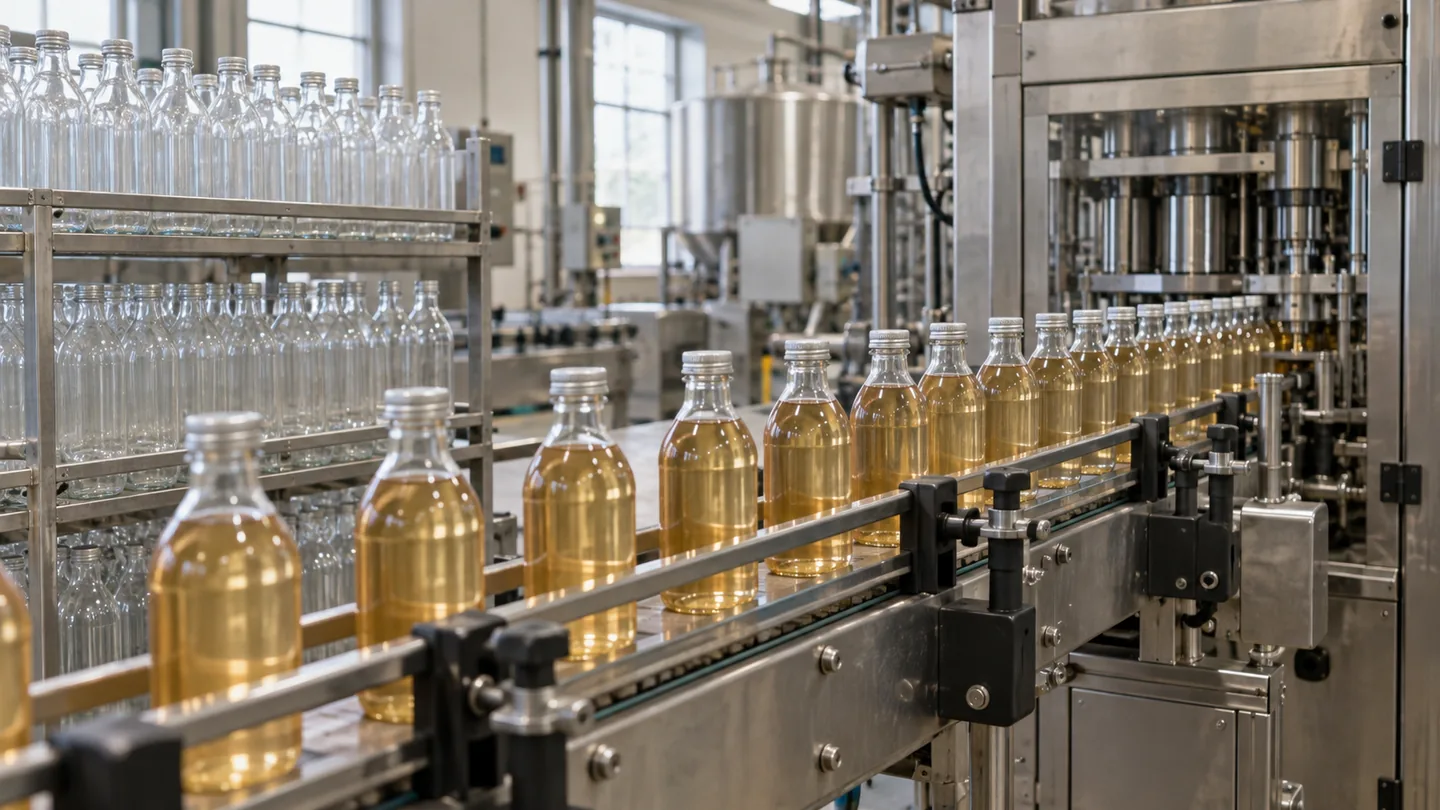
The operator finishes the run, washes down and spends the next half-hour entering figures from a damp sheet into a tablet. The form is digital, but the evidence is still reconstructed after the work. The useful redesign starts earlier: which record can be captured accurately at the moment the event occurs?
How should a food manufacturer replace paper batch records with a usable digital workflow?
An electronic batch record should connect the approved production instruction with what actually happened, the supporting evidence and the relevant review. Its design needs to fit the work and preserve exceptions. Converting every paper box into a mandatory screen field can make records look complete while making the process harder to perform.
- 01Open the controlled recordRun and applicable instructions
- 02Record actual eventsPeople, materials and measurements
- 03Review exceptionsMissing, corrected and late entriesIs the record ready for authorised review?YesApprove the batch recordNoKeep the gaps explicit and obtain the required evidence.
- 04Approve the batch recordRetain its complete history
Illustrative information flow. The article explains the evidence, exceptions and responsible decisions. Diagram: NextEdge Labs.
Follow one batch with the people recording it
Map the approved instruction, material issue, process stages, observations, output and handover. Identify who records each event and which later decision uses it. Some fields may be duplicated across production and quality forms; others may exist only because a previous system could not supply the information.
Separate data already available from an authoritative system from observations that need an operator. A work-order reference or approved recipe version can often be supplied to the record. An actual material lot, observed quantity or exception needs reliable capture. The design should make those responsibilities explicit rather than asking the operator to retype everything.
Keep the instruction and the execution record connected
Retain the approved instruction version selected for the run and record actual events against it. If an authorised change occurs during production, preserve the original instruction, the change and its approval. Do not replace the earlier instruction in a way that makes the history appear to follow today's version.
ERPNext's work-order model provides a reference for connecting production quantities and material stages. A digital execution layer still needs to define the observations, reviews and exception paths appropriate to the site. Installing a work-order screen alone does not establish a complete electronic batch-record process.
Source: Frappe / ERPNext · Production work orders, quantities and material stages. Reference details
Make an exception possible without inventing a value
A required measurement may be unavailable because equipment failed or the record was interrupted. The interface needs a controlled exception path with a reason and owner. If the only way forward is to enter a number, the system encourages a false record. A saved exception should remain visibly incomplete until the authorised process resolves it.
Use clear meanings for saved, submitted, reviewed and approved. An operator's submission can establish that their entry is complete without implying quality release. Keep the relevant permissions and evidence for each decision. Electronic acknowledgements should be attributable and designed to the organisation's applicable requirements; a drawn signature image is not a substitute for a controlled approval process.
Design the screen for the actual working conditions
Test the device, mounting, gloves where used, connectivity and the amount of text visible during the task. Large controls and a short sequence may matter more than adding a dashboard. Show the item, lot, unit and current step clearly so a user can recognise an incorrect context before entering a value.
A barcode or connected scale can reduce retyping if its identity and validation rules are dependable. Preserve the source event and allow a controlled correction. Avoid making a scan or reading silently advance several approvals whose meaning the operator cannot see.
| Moment | Design question |
|---|---|
| Material selection | Can the operator see the required item, lot and unit? |
| Observation | Can the value be captured without leaving the work context? |
| Interruption | Is unfinished work retained with a clear state? |
| Correction | Can an authorised reviewer explain what changed and why? |
Plan recovery before removing the paper route
Define the approved contingency for device or network failure, including how records are reconciled afterwards. If offline capture is supported, show local and centrally accepted states separately. Persistent event identities should prevent a repeated submission from duplicating a production movement.
Test a restart halfway through a record, a response lost after server acceptance and a correction made after review. The supervisor should be able to reconstruct the batch and any unresolved work. A successful demonstration on a stable office connection does not answer those operational questions.
Choose a bounded first release
Start with one representative batch process and the records it genuinely needs. Include an ordinary run, an interrupted run and a material exception in acceptance testing. Keep the existing approved process available until the transition and contingency have been reviewed by the responsible owners.
Measure re-entry time, missing evidence and the effort needed to reconstruct a batch. AI can prepare a summary from recorded events, with source links and review, but it should not generate missing observations. The practical result is a clearer account of actual work and the next decision, not merely a larger collection of mandatory fields.
Summary
A useful electronic batch record connects approved instructions, actual observations and accountable review in the order the work happens. Exceptions and recovery are part of that design. The first release should prove that operators can capture honest evidence and supervisors can explain the complete batch history.
What to do next
- Walk one batch and identify duplicate entry, missing evidence and impractical capture points.
- Define the record states, correction authority and outage contingency.
- Pilot the workflow with an interrupted run before expanding to other lines.
Scope this automation around your operation
Tell us your current systems, transaction volume and the exception you need to resolve. We can discuss a bounded first release, its review controls and how to measure the result.
Sources and further reading
Sources checked 15 October 2026. The worked examples and software evaluation suggestions are NextEdge Labs’ editorial analysis.
- Work OrderFrappe / ERPNext · Online product documentation, accessed October 2026
Illustrates production orders, material requirements and warehouse stages. The proposed operating controls remain specific to the business.
Visual credits
AI-generated illustration created for NextEdge Labs; it does not depict a client facility. Workflow diagram by NextEdge Labs. Icons from Lucide (ISC licence).