A held lot should stay held wherever the warehouse looks
For Quality managers and laboratory leads · Compare approaches
TL;DR — what you’ll learn
- Define exactly which item, lot, location and quantity a hold affects.
- Keep the decision owner and evidence separate from physical storage location.
- Check reservations, picks and other downstream work when a status changes.
- Treat a failed status update as an operational exception requiring resolution.
Quality marks a batch held in its spreadsheet. The warehouse's picking screen still shows the same batch as available, and a picker has already printed labels. The problem is no longer whether the hold was recorded. It is whether the decision reached every place where the stock can move.
How should food businesses keep quality holds and release decisions consistent across systems?
A quality hold needs an explicit scope and an authoritative decision record. Every system that can reserve, consume or dispatch the affected stock must respect that state. Release should follow the authorised quality process and preserve the evidence and history that supported the decision.
- 01Identify the affected stockLot, quantity and locations
- 02Apply the restrictionERP, warehouse and order paths
- 03Review the evidenceAuthorised quality decisionIs release authorised?YesRecord dispositionNoKeep restrictions in force and retain the open review.
- 04Record dispositionSynchronise the permitted status
Illustrative information flow. The article explains the evidence, exceptions and responsible decisions. Diagram: NextEdge Labs.
Define the scope before choosing a status name
A hold may apply to a full lot, a particular location or an identified subset of stock under the approved process. Record that scope precisely. A status attached only to an item master can unintentionally block unrelated lots, while a note attached only to one pallet may fail to cover other affected stock.
Suppose an illustrative lot contains 500 cases across two locations, with 120 already reserved. The hold review needs visibility of all 500 and the reservations. Whether a subset can be separately identified and treated is a decision for the quality process. The software should not narrow the hold simply because some cases have already been promised.
Physical segregation and system blocking answer different questions
A restricted storage area helps people recognise and manage physical stock. A system status controls the transactions that applications allow. Moving a pallet into a designated area does not necessarily update every reservation or production screen. Conversely, changing an electronic status does not confirm that the material was physically moved.
Microsoft's quality-order documentation describes inventory-blocking behaviour associated with quality records. Use that as a capability reference, then test the exact configuration in your environment. The business needs to know whether the block covers the intended quantity and which warehouse or production transactions can still occur.
Source: Microsoft Learn · Block or unblock inventory for a quality order. Reference details
A new hold must find work already in progress
Check open reservations, printed picks, staged material and planned production consumption when the status changes. The workflow should identify affected tasks and route them to the accountable team. A new block on future orders is insufficient if an earlier pick can still be completed from cached instructions.
Keep the notification and acknowledgement distinct from the hold itself. An operator acknowledging an alert does not release the stock or resolve the affected order. Record the resulting operational action, such as an authorised replacement allocation or a paused task, with the original decision reference.
Release is a controlled transition with evidence
Define who can approve release, what evidence is required and which system owns the final decision. The record should preserve the reviewer, time, scope and relevant test or investigation references. A completed checklist or uploaded laboratory file should not automatically impersonate the release approval unless that exact workflow has been authorised and validated.
Reopening a decision must also be explicit. Retain the earlier state and identify which downstream records used it. Do not erase the release history to make the latest status look as though it had always applied. The ability to reconstruct what the business knew at each point is part of a useful quality record.
When the integration is unavailable
If quality approves a hold but the ERP update fails, show the failure prominently and apply the site's approved contingency. The application should not report the workflow complete merely because its own database saved the decision. Use a persistent event reference and an acknowledgement from the receiving system.
Retries must preserve that identity so the history does not fill with duplicate decisions. If another status change occurs before the first one is delivered, the integration must maintain the correct ordering or route the conflict for review. Test these cases with the quality and warehouse owners present; they need to understand the operational state during the interruption.
Evaluate the workflow through a live reservation example
In a controlled test, reserve part of a lot, create a pick and then apply a hold. Inspect every affected screen and attempt the relevant next transactions under test conditions. Repeat with the inventory interface temporarily unavailable. The result should show the intended block, the affected work and an owned recovery path.
Measure unresolved status handovers and the time taken to identify affected work. A dashboard showing the number of held lots is useful background, but it does not establish that the control is effective. The decisive evidence is what the operation can and cannot do with the affected stock.
Summary
A hold is effective when its scope and consequences remain consistent across the physical operation and connected systems. Release needs the same discipline. Clear authority, downstream task checks and visible integration failures make the status meaningful wherever the stock is used.
What to do next
- Map every screen and interface that can reserve, consume or dispatch a held lot.
- Agree the decision owner, scope and contingency for a failed status update.
- Test a hold after reservation and before dispatch, then inspect the full event history.
Compare this workflow with your current setup
Share the step that takes the most manual work, the systems involved and the exceptions your team handles. That gives us a concrete starting point for comparing approaches.
Sources and further reading
Sources checked 15 October 2026. The worked examples and software evaluation suggestions are NextEdge Labs’ editorial analysis.
- Quality ordersMicrosoft Learn · Dynamics 365 Supply Chain Management documentation, accessed October 2026
Product reference for inspection records, inventory blocking and certificates generated from selected test results. Quality owners determine specifications, disposition and approval requirements.
Visual credits
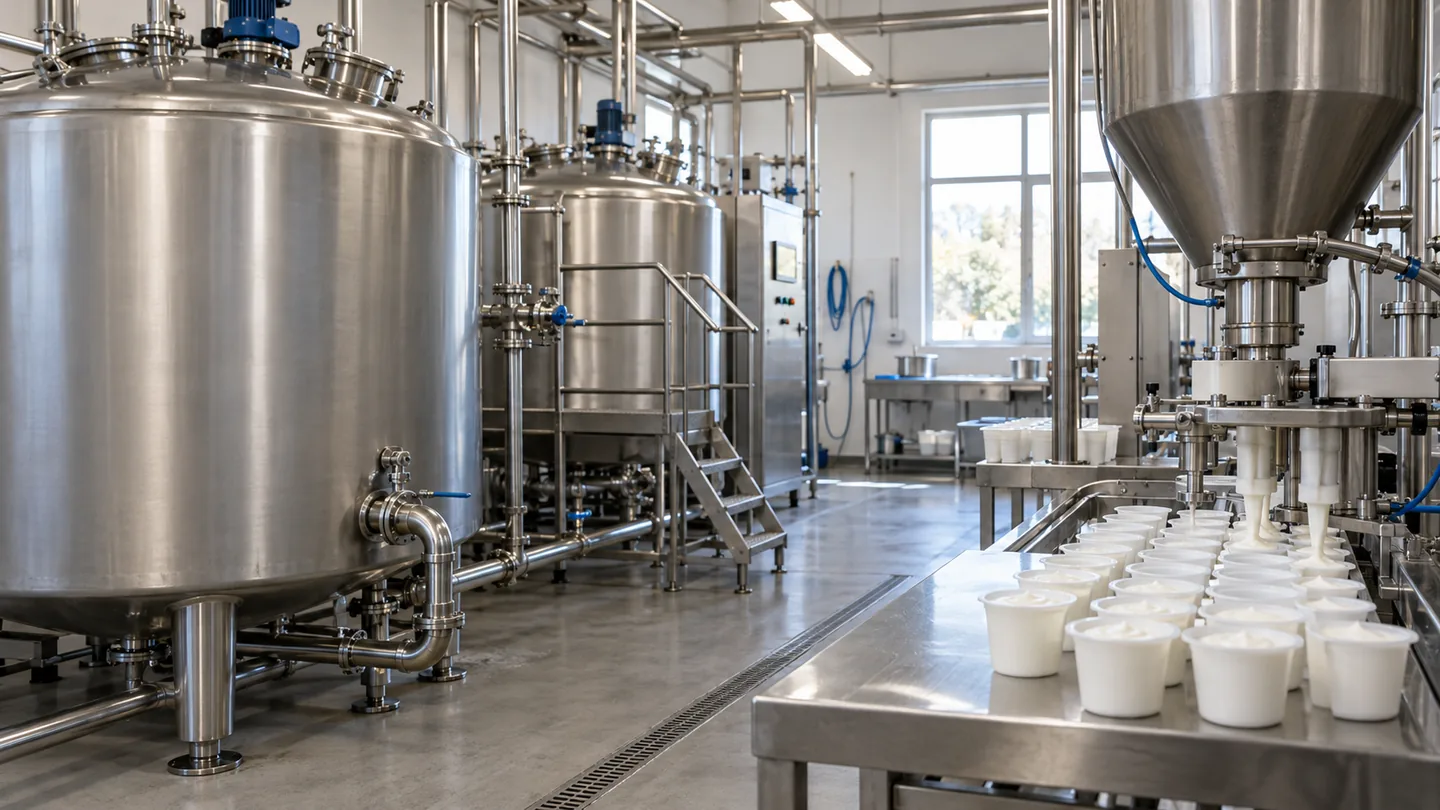
AI-generated illustration created for NextEdge Labs; it does not depict a client facility. Workflow diagram by NextEdge Labs. Icons from Lucide (ISC licence).