Checkweigher data needs the batch context before it can explain overfill
For Quality managers and laboratory leads · Compare approaches
TL;DR — what you’ll learn
- Attach readings and counters to the correct product, batch, time and configuration.
- Keep accepted, rejected and unassessed events distinct in the report.
- Reconcile device totals with received data before interpreting trends.
- Use approved thresholds and review rules; reporting should not quietly change equipment control settings.
The daily chart shows average pack weight rising. Production says the product changed halfway through the shift, maintenance says the counter restarted and quality asks whether rejected packs are included. Without those answers, the chart cannot tell the team whether it is seeing a filling issue or a reporting issue.
What should a food manufacturer capture when integrating a checkweigher with production reporting?
A checkweigher integration should preserve measurement context and event completeness. Capture the product and batch relationship, relevant configuration, timestamps and outcomes, then reconcile the data with the device. Analysis can identify patterns for review without assuming authority to change operating or legal limits.
- 01Identify the runProduct, pack and equipment
- 02Capture the eventWeight, unit and device status
- 03Validate the recordDuplicate, missing or invalid dataIs the measurement record reliable?YesReport the reviewed accountNoSeparate the data fault or equipment exception for review.
- 04Report the reviewed accountLink exceptions to the run
Illustrative information flow. The article explains the evidence, exceptions and responsible decisions. Diagram: NextEdge Labs.
Start with the event the device can actually provide
Some integrations receive individual measurements; others receive counters or period summaries. Document the granularity and available identifiers before designing the dashboard. A summary average cannot reconstruct every individual reading later, and a reset counter needs an explicit boundary to avoid negative or duplicated totals.
METTLER TOLEDO's ProdX overview describes collection and reporting of checkweighing information. Use such manufacturer documentation to establish supported capabilities for the specific equipment and interface. Do not assume every installed device, licence or protocol exposes the same fields.
Source: METTLER TOLEDO · Checkweighing monitoring, reporting and data collation. Reference details
Product and batch changes need timestamps
Record when the active product and configuration changed, and connect that interval to the production batch. A late manual batch entry can assign early readings to the wrong run. Where the equipment and ERP identify runs differently, maintain an explicit mapping and show unresolved intervals.
Keep the approved configuration reference with the data. If the target or permitted operating parameters change through an authorised process, the report should identify the applicable version. It must not recalculate historical outcomes using today's settings without clearly labelling the restatement and its purpose.
An average needs a stated population
Suppose an illustrative interval contains 1,000 assessed packs: 980 accepted and twenty rejected. An average based only on accepted packs answers a different question from an average across all assessed packs. Both can be useful, but the denominator and exclusions must be visible.
Separately record events with no valid assessment, if the equipment provides them. Do not include missing readings as zero weight or count an unavailable assessment as an accepted pack. The report should also explain whether any rechecked pack appears again in the dataset. Otherwise a production team can mistake repeated observations for additional output.
| Definition | Why it matters |
|---|---|
| Product, batch and configuration | Keeps unlike runs from being mixed |
| Accepted, rejected or all assessed packs | Defines the population behind the statistic |
| Missing intervals and device resets | Shows completeness limits |
| Rechecks and repeated events | Prevents an inflated production count |
Reconcile after a network interruption
The device may continue operating while the reporting connection is unavailable. Establish whether it buffers records, retains only counters or loses detail after a limit. The dashboard should show the interruption and the recovery result rather than drawing a continuous line that implies complete data.
Use stable event identities or the manufacturer's supported sequence information to prevent duplicate imports. Compare received counts with device totals for the defined interval. If the records cannot reconcile, preserve the gap and assign the next action. A technical retry that fills the database is insufficient evidence that the measurement account is complete.
Separate reporting from closed-loop control
A dashboard may flag a sustained change for the authorised team to investigate. Automatically changing a filler setting is a different scope with different validation and control requirements. Do not add that authority as an incidental integration feature.
Quality and engineering owners should determine the relevant specifications, verification routines and response procedures. This article does not prescribe a legal weight tolerance or equipment setting. The implementation should make the approved rules visible and preserve changes, rather than deriving new operating limits from historical averages.
Use one line to establish a dependable account
Begin with a line whose product changes and device interfaces are understood. Test a batch transition, counter reset, network outage and repeated import. Ask production and quality to reproduce the report from the retained source evidence.
Once the account reconciles, examine whether the trend identifies an actionable pattern earlier or reduces manual reporting effort. Use the observed result for the business case. A device vendor's general savings claim should not become the forecast for a plant whose product mix, controls and baseline have not yet been measured.
Summary
Checkweigher reporting needs product context, a clear population and an honest account of missing or repeated events. Those foundations make trends useful to the authorised operating team. Control changes remain a separately reviewed scope, with approved specifications and equipment procedures intact.
What to do next
- Confirm the fields and granularity available from the installed checkweigher interface.
- Reconcile one batch's device totals with the proposed reporting account.
- Test a changeover and network interruption before using the trend for performance decisions.
Compare this workflow with your current setup
Share the step that takes the most manual work, the systems involved and the exceptions your team handles. That gives us a concrete starting point for comparing approaches.
Sources and further reading
Sources checked 15 October 2026. The worked examples and software evaluation suggestions are NextEdge Labs’ editorial analysis.
- Checkweighing with ProdX SoftwareMETTLER TOLEDO · Product datasheet overview, accessed October 2026
Manufacturer reference for collecting and reporting checkweighing information. Equipment suitability, thresholds and verification follow the site's qualified process.
Visual credits
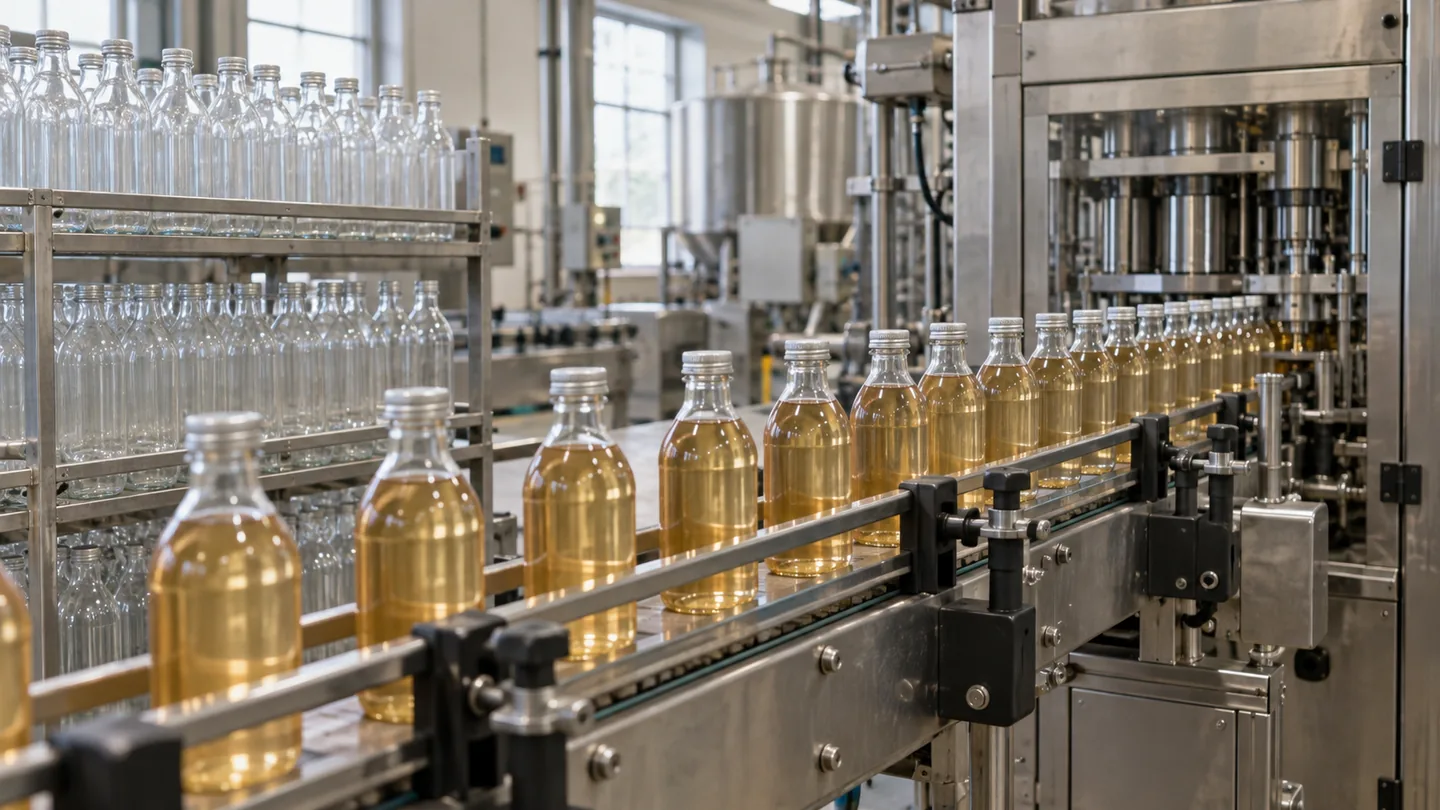
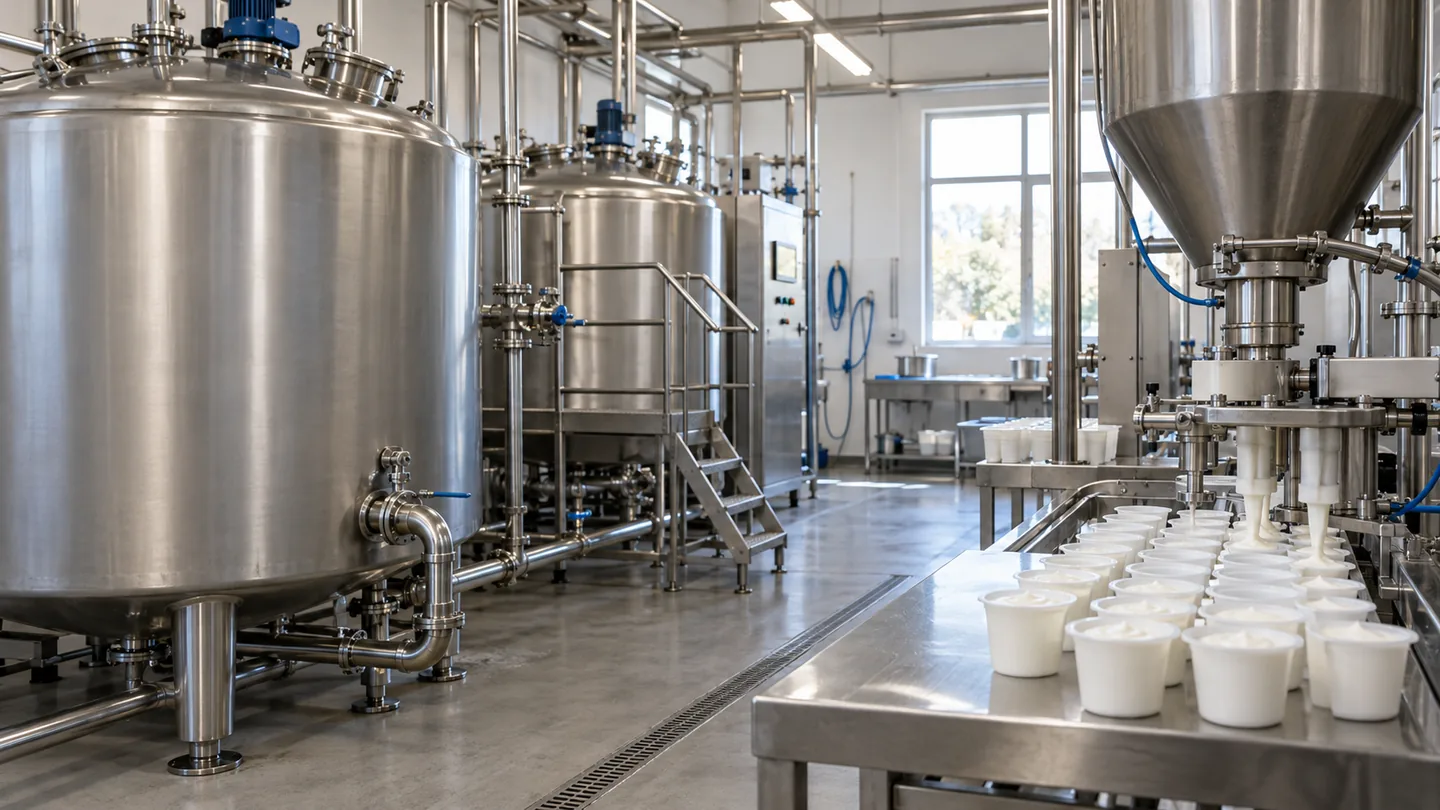
AI-generated illustration created for NextEdge Labs; it does not depict a client facility. Workflow diagram by NextEdge Labs. Icons from Lucide (ISC licence).